Binarynights


iCloud Drive Enhancements & New Look for macOS Tahoe
We are excited to announce ForkLift 4.3.5, the first version built on macOS Tahoe 26. This update brings several design improvements to better match Apple’s new Liquid Glass interface, along with major enhancements to iCloud Drive integration and cloud file handling across all supported services.
Refreshed Design on macOS Tahoe 26
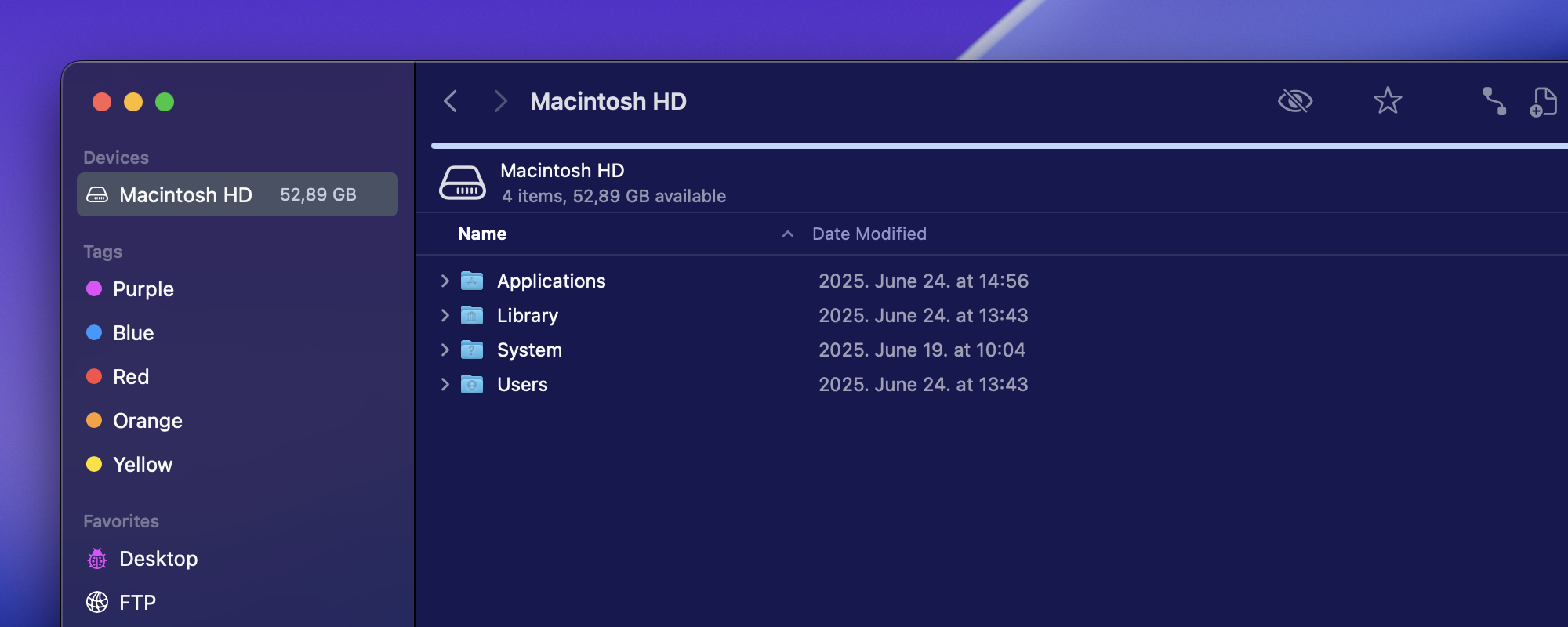
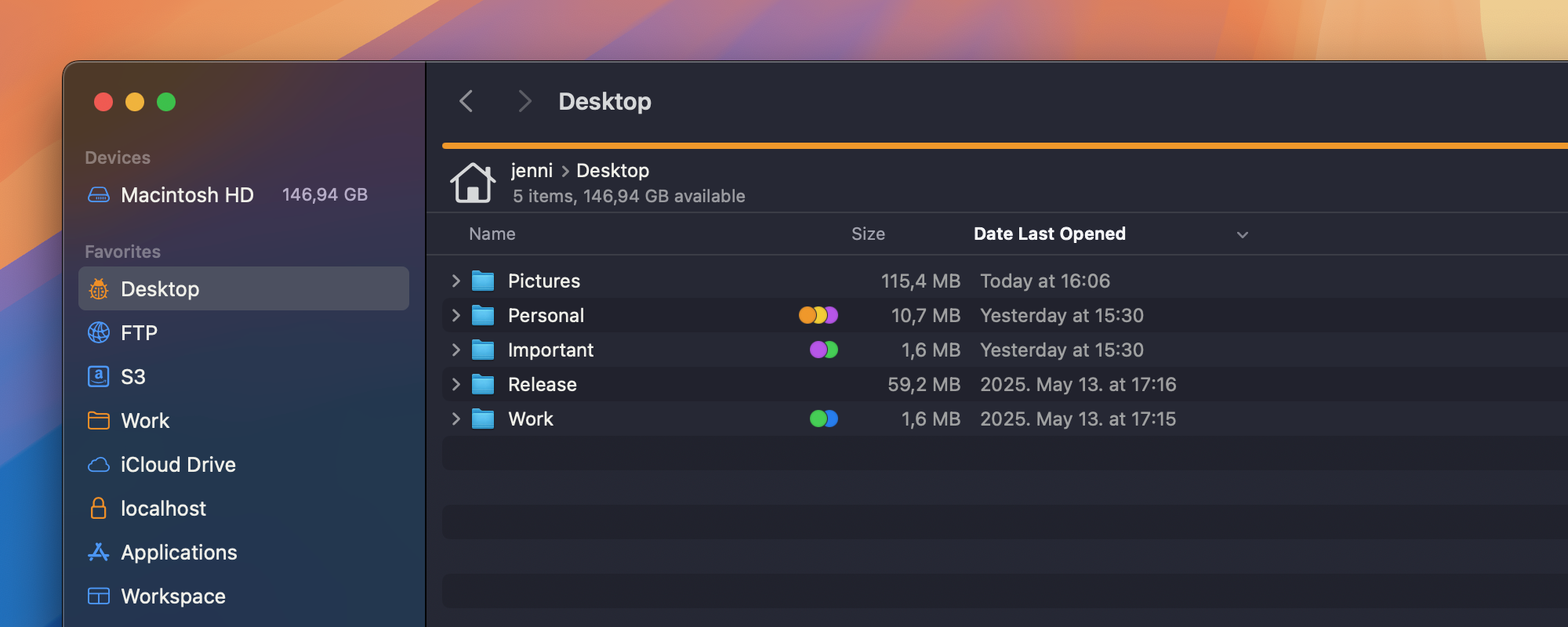
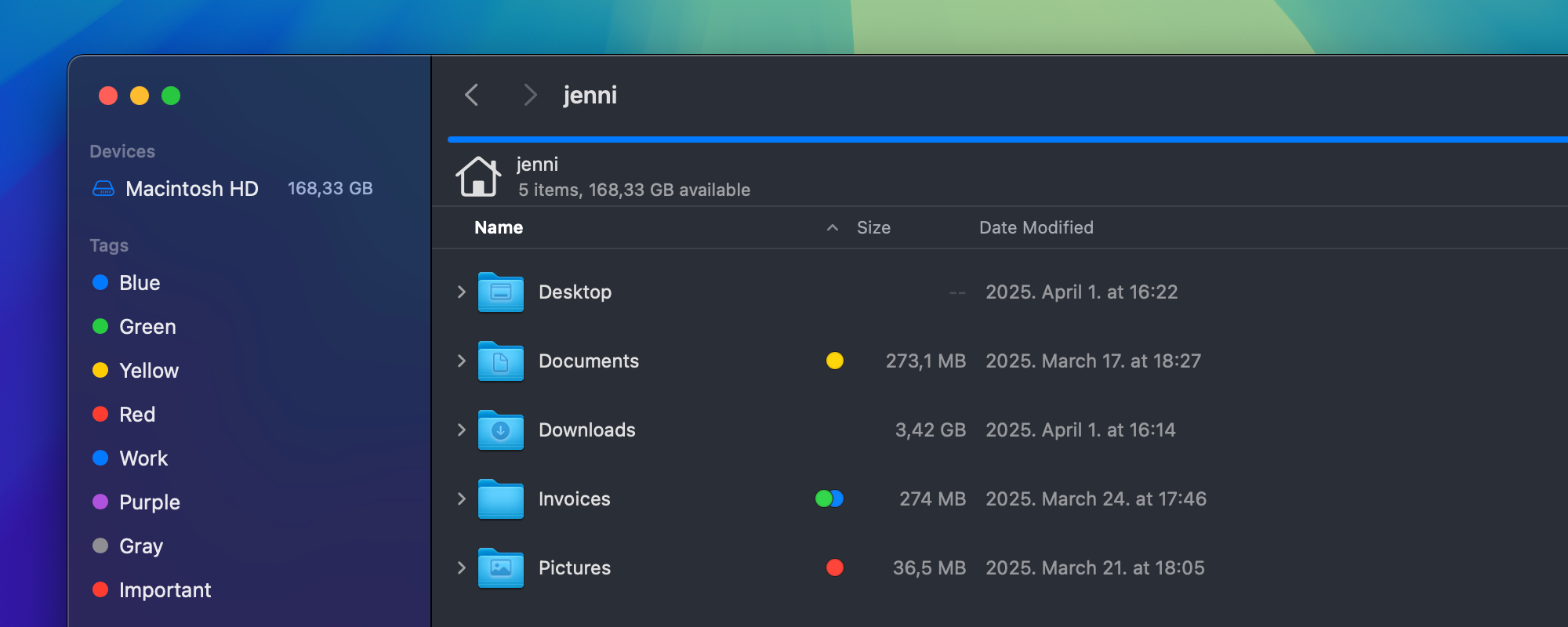
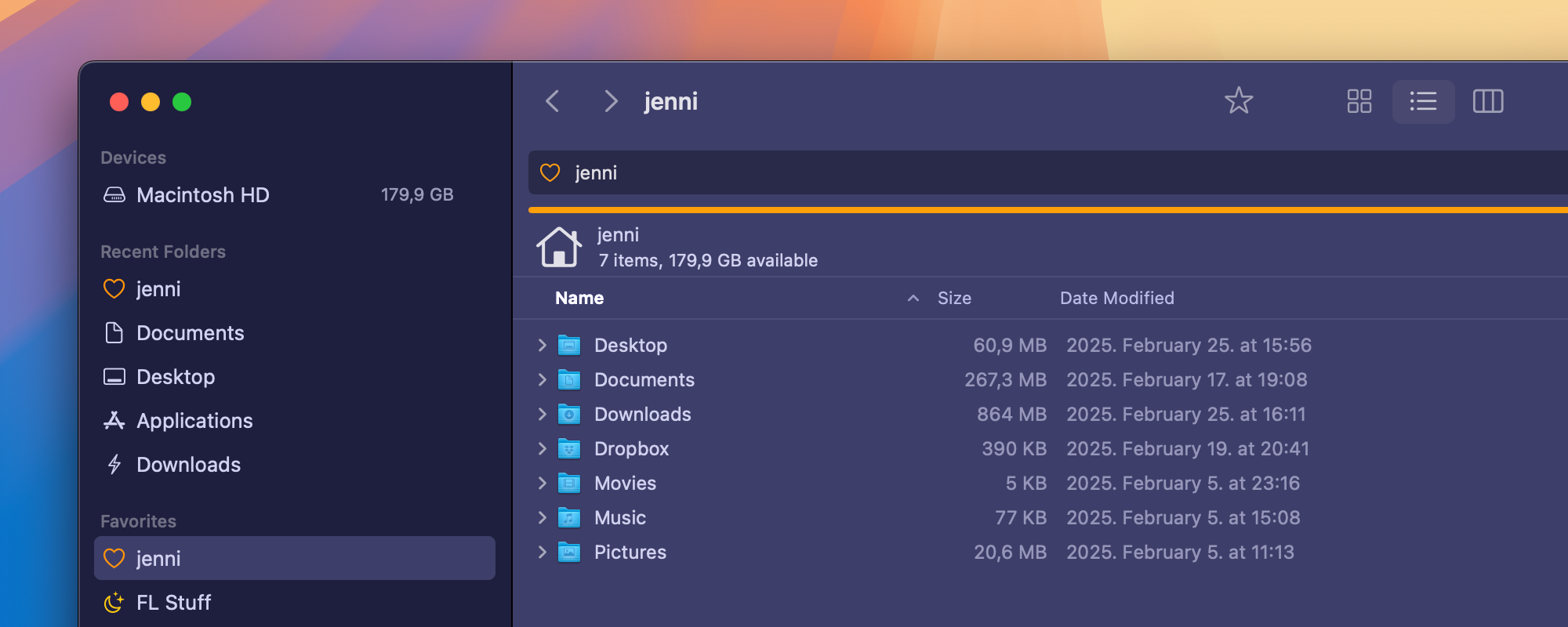
ForkLift 4.3.5 adopts Apple’s new design guidelines introduced in macOS Tahoe 26. It is also the first version built on macOS Tahoe 26, which means that if you run it on the new beta, you will notice visual updates that align with the system’s new Liquid Glass design.
However, these changes also affect the appearance of ForkLift on older versions of macOS: the toolbar now stops where the right pane ends, instead of extending across the full width of the window as it did before. Additionally, the boxes around sections in the Preview Pane (Info Window) have been removed to match the cleaner look on Tahoe, which results in a simpler appearance on earlier systems as well.
macOS Tahoe also introduces small, helpful icons in menus as part of its updated visual language. To follow this guideline, ForkLift 4.3.5 adds icons to its menu items. Some of these icons are provided by macOS and only appear on Tahoe, while the ones we have added manually are visible on earlier versions like macOS Sequoia too.
⚠️ Known Issue:
ForkLift 4.3.5 crashes in Column View on macOS Tahoe. We are working on a fix.
If you rely on Column View while using the Tahoe beta, we recommend continuing with ForkLift 4.3.4 for now. This issue does not affect public (non-beta) macOS versions.
If ForkLift 4.3.5 won’t start, it is probably because you quit the app while it was in Column View. When you try to open it again, it immediately crashes due to this issue. You can find a workaround in the comment section below.
Better iCloud Drive Integration
This version also focuses on improving ForkLift’s interaction with iCloud Drive:
- Larger cloud icons in the file view in List View make it easier to spot which items are in the cloud.
- Cloud icons have been added to Icon View as well (coming soon to Column View).
- Selecting a cloud-based file no longer downloads it automatically, a change that better respects cloud storage behavior.
- Even if a file is located in the cloud, you can still see a preview of the file in the Info Window (Preview Pane), helping you identify it without triggering a download.
- If you want to download the file, you can:
- Right-click and choose “Download now”
- Click the cloud icon in the Info Window, below the preview
- Open or Quick Look the file, which will also trigger an automatic download
- You can also remove local downloads and keep items in the cloud by right-clicking a file and selecting “Remove download” just like in Finder.
Better support for Other Cloud Services
This cloud file handling isn’t limited to iCloud Drive. It also works with third-party services that support Apple’s File Provider system, such as:
- Dropbox
- Google Drive
- OneDrive
…and other apps that integrate with Finder using this modern file system.
If you have the desktop apps of these providers installed, they usually integrate with Finder and also appear in ForkLift. However, the Download now and Remove download options were previously missing. These options are now available in ForkLift too, allowing you to:
- Download cloud files without opening them
- Remove local copies and store files only in the cloud, right from ForkLift
- Manage your cloud storage without needing to switch to Finder
Other Improvements
ForkLift 4.3.5 also includes numerous bug fixes and improvements, especially related to:
- The Tools section in Settings
- Logs
- The Undo/Redo queue
ForkLift 4.3.5 brings visual updates that align with the design changes in macOS Tahoe, and introduces improved support for cloud storage services using Apple’s File Provider system. These changes make file management more consistent across different cloud platforms.
Full List of changes:
New
- Option to download items from iCloud Drive by right-clicking an item stored in the cloud and selecting Download now
- Option to remove downloaded items from the local Mac and upload them back to iCloud Drive by right-clicking an item inside the iCloud Drive folder and selecting Remove download
- Option to download items from iCloud Drive by clicking the cloud icon in the Preview Pane below the preview image
- Adds icons to menu items to align with the macOS 26 design guidelines for a more consistent and modern look (note: some icons may not appear on older macOS versions)
- Adds a cloud icon in Icon View to indicate files in iCloud Drive that are not downloaded
Improvements
- Visual adjustments to the Preview Pane for better consistency with macOS Tahoe 26
- Visual adjustments to the Toolbar for better consistency with macOS Tahoe 26
- Adds localization to some titles in the More Info section of the Preview Pane
- Larger cloud icon in List View to more clearly indicate undownloaded iCloud Drive files
- Improved display of Redo and Undo actions in the Edit menu
Fixes
- Fixes an issue where long paths in the Go to Folder and Quick Open pop-ups wrapped onto multiple lines
- Fixes an issue with the Undo/Redo queue
- Fixes an issue in the Tools section of the Settings where it was possible to accidentally delete tools in some cases with the Esc button
- Fixes an issue in the Tools section of the Settings where the Minus and Edit buttons remained active with no selection in a special case
- Fixes an issue in the Tools section of the Settings where a newly created tool wasn’t added at the end of the list in some cases
- Fixes a seemingly random crash that is in connection with the OpenWithView
- Fixes an issue that played the successful file operation sound after a file transfer failed because the user clicked Skip, Stop, or Cancel in the Helper Tool pop-up or in the Conflict window
- Fixes an issue that prevented folders without Write permissions to be moved
- Fixes an issue in the Logs where failed operations in remote locations were displayed as successful
- Fixes an issue in the Logs where failed folder creations were displayed as successful
- Fixes an issue in the Logs where failed bucket creations on Amazon S3 were displayed as successful
- Fixes an issue that caused the newly created duplicated favorite inside the Favorite Manager not to be selected
- Numerous minor fixes and improvements