 Binarynights

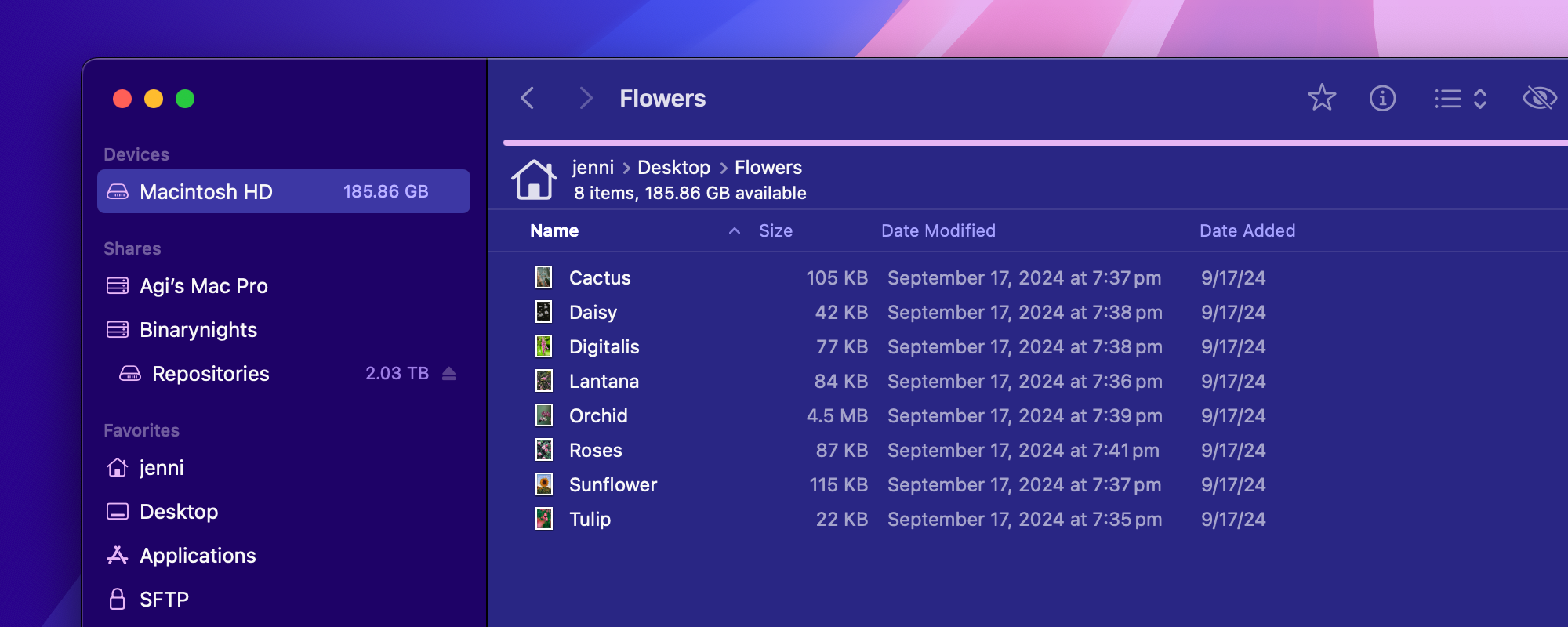
ForkLift 4.1.7 is compatible with macOS Sequoia (macOS 15)
New
- Tools are available in the context menu of items
- Option to change the text size in List View with the Command-Plus and Command-Minus keyboard shortcuts
Improvements
- Improves how locations already open in one of the ForkLift windows are activated when opened by third-party applications, or through a drag and drop action over the ForkLift icon
- Placeholders on the Connect Panel for the Backblaze B2 protocol
- Sizes of items are visible in the App Deleter window
- Displays a warning when quitting ForkLift or a ForkLift window with ongoing activities
- Displays more items under More Info in the Info Window
- Option to connect to WebDAV without the need to enter a username
Fixes
- Fixes an issue causing files to be incorrectly grouped when Group by date was enabled, due to a time zone mismatch
- Fixes an issue, which made it impossible to edit Symlinks on remote connections
- Fixes an issue where the app did not reopen in full screen mode
- Fixes an issue, which reopened the sidebar and the preview pane in certain situations
- Fixes several issues with the Reveal in Finder and Open in Finder commands, when ForkLift was the default file viewer and minimized to the Dock
- Fixes an issue, which displayed the Compress toolbar button as inactive on Apple Silicon Macs
- Fixes multiple issues on macOS Sequoia (macOS 15), when moving tabs or dragging items over the tabs in the tab bar
- Fixes a display issue in the Editing tab of the Settings of ForkLift
- Fixes a possible crash with certain FTP servers that require TLS session reuse
- Fixes an issue, which allowed saving an empty tool, where running the empty tool could cause a crash
- Fixes an FTP compatibility issue with certain servers, where permissions were displayed incorrectly
- Fixes issues while saving a favorite, where the pop-up to add a favorite didn’t disappear or an error sound was played
- Numerous minor fixes and improvements
Maybe this has been covered before, but I couldn’t find any discussion on the topic.
When will (if ever) Forklift 4 gain the ability to have Contextual Menu items for files that reside on Microsoft OneDrive?
In macOS Finder, right-clicking on a file or folder that resides on Microsoft OneDrive offers a list of things you can do, such as: Share a link, View Online, etc. The ability to do this quickly and easily is vital to my workflow and the workaround of “reveal in macOS Finder” to open the folder in the regular Finder, THEN right-clicking on the file/folder, is not a viable option.
So I guess the greater question is will Forklift ever get MS OneDrive integration beyond just being able to connect to it.
That feature is on our feature request list but I don’t think that that kind of integration will be added soon.
Thank you for the quick reply. It’s unfortunate (for me) that the lack of OneDrive and Dropbox integration isn’t available in Forklift 4. It wasn’t always the case, but the functionality in question here is vital to my workflow (and sanity), so Forklift is no longer a viable option for me.
Hi!
Besides the adequate integration with OneDrive like some other user asked about, would it be possible to add a Context menu with the option “Create subfolder”, creating a folder inside the parent folder we currently have the cursor on ?
It would be more productive to do so when we are creating folders inside other folders.
Thanks
That is in our feature request list but not on our to-do list at the moment. We will consider adding that option.
How I show the file modified time with seconds? The Forklift Sync toole reports different times. But in the detail window of this file the times are the same…
Please, can you print the exact file date (with seconds) and the exact size (in Bytes) to the information popup inside the sync tool so that you can see what the difference is when the file is suggested for synchronization? If a file is suggested for synchronization and the info window only shows the approximate size and time, it is not very helpful. Especially if the exact same information is displayed for both files.
We will try to add those two things, they could indeed be useful.
If you have an issue where you see the same time but ForkLift wants to sync based on the time, then please send us a screen recording of that issue at support [at] binarynights [dot] com
I miss the display of files in the list with a progress bar that are currently being copied or are still in the queue. That was there in Forklift 3 after all.
That feature was removed from ForkLift 4. If you refresh the view, then you can see which items have been already added or if you display the Activities inside the Preview Pane, you can see the progress bars. We are not planning to add the progress bars to the file view.
If I copy a huge list of files (for example takes 10 minutes) then it is impossible to rename other files during this time. The rename “process” joins the back of the queue. In Forklift 3 the renaming had a higher priority and was carried out immediately – no matter what was in the queue. This is a task that does not require any resources… I don’t understand that decision
Do you mean multi-renaming files or renaming a single file? I believe renaming a single item is an immediate action, but renaming more files at once is indeed queued and that wasn’t the case in ForkLift 3. EDITED TO ADD: This will be changed in the next version.
When oh when will Forklift be able to show multiple tags on the files and not just the last one added? This has been discussed on a few occasions over many years now. I actually only upgraded to Forklift 4 believing that this would finally be available in the new app.
Other Finder replacements can do that.
Just Binarynights seems to be unable to implement such a simple but important feature.
We will try to add that feature sooner or later:)
Glad to hear. Sooner would have been better…
I have now started using QSpace Pro which is able to provide this feature and on another computer Pathfinder which has provided this feature for years.
I will miss the great sync functionality of Forklift but as I own a license for ChronoSync I have an even more sophisticated tool for this task at hand.
When does ProxyJump support?
Adding ProxyJump support isn’t on our immediate roadmap but I will bring this topic up again with the developer. Thanks for your feedback!
Small bug: If a copy command fails (i.e. because the target volume is read only) then you can still hear the “everything successfully copied” sound.
Thank you for reporting. Is the sound played after you click Skip, Stop or Cancel? Or is it played in other situations as well?
Why drag & drop from finder window don’t work? In Forklift 3 you could drag any files from the Finder to one if the two forklift panels…
Please make sure that full disk access is enabled and ForkLift is located in the Applications folder. Drag and drop from the Finder should work and I don’t see any issues with it but there is a known issue with drag and drop in the current version, which will be fixed in the next update. If you want to test this problem, then please download the previous ForkLift version and check if you can drag and drop from Finder: https://download.binarynights.com/ForkLift/ForkLift4.1.6.zip