 Binarynights

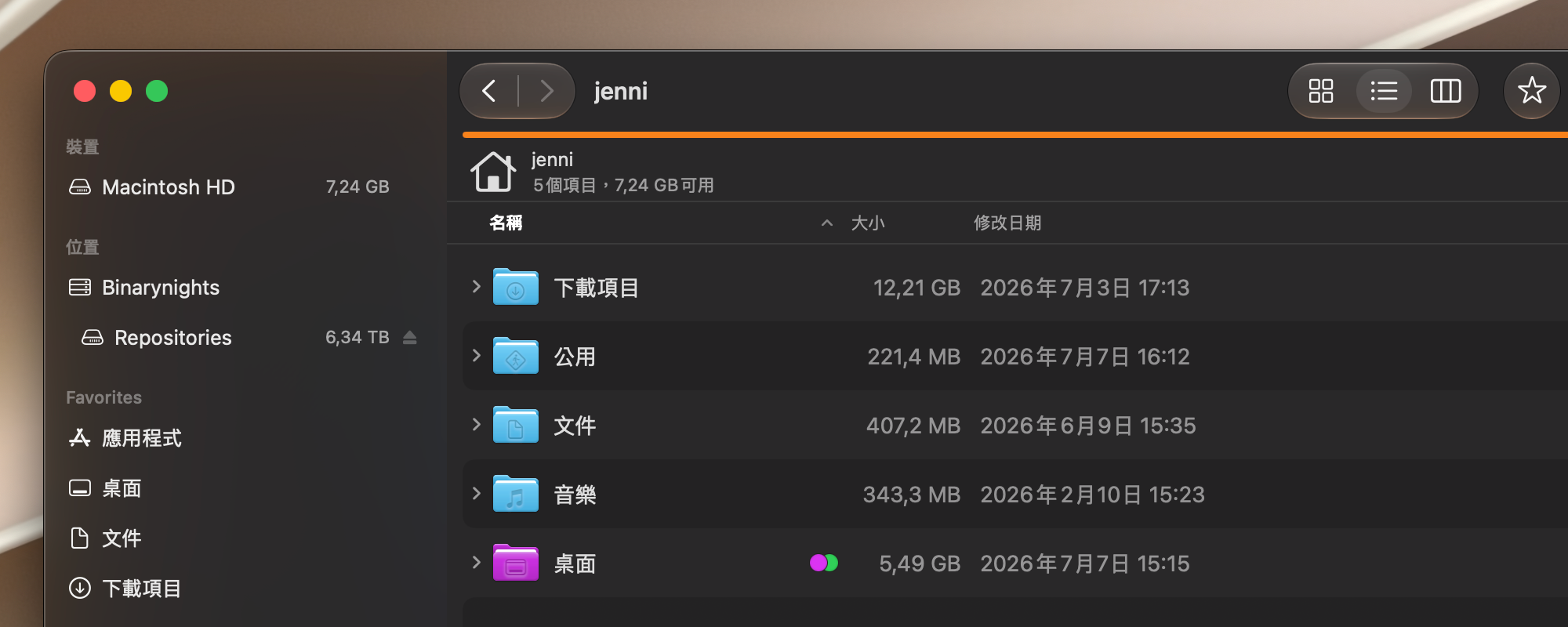
Version 4.7.2 is a quick update that fixes some issues introduced in versions 4.7 and 4.7.1 related to the Multi-Rename feature.
A bug introduced while adding the option to use metadata for renaming files prevented previously saved Multi-Rename favorites from being used. We have now fixed this issue, and old batch rename favorites should work as expected again.
We have also added a text field for defining custom date formats when using dates extracted from metadata. In addition, this version adds Traditional Chinese localization to ForkLift and changes the item info displayed in Icon View to show file sizes. The update also includes other small fixes and enhancements.
Full List of changes:
New
- Displays file size below the icons in Icon View when the “Show Item Info” setting is enabled in the View Options
- Traditional Chinese localization
Improvements
- Adds a missing text field to specify the custom date format in the Multi-Rename Window when adding dates based on metadata
Fixes
- Fixes an issue introduced in version 4.7 that made it impossible to use previously saved Multi-Rename favorites
- Fixes a possible crash when generating thumbnails
- Improves the wording of the warning message shown when file conflicts occur during copy operations
- Minor fixes and enhancements
In this version, when scrolling with the most in one windows, the app freezes with a spinning wheel (MacOS 26.5.2 (25F84), FL 4.7.2, 7.7.26). Si the app is unusable…
It should read: “with the mouse” AND it’s not possible to navigate through folders – 100% failure
I’m sorry you are having this issue. This is not a general issue in the new version, so to help us investigate the issue, please take a sample while you see the spinning wheel.
To take a sample, open Activity Monitor (Applications > Utilities), select ForkLift and choose Sample Process from the View menu, or click the Three Dots icon in the toolbar and choose Sample Process. Save it as a text file and send it to us.
Please also let us know if this happens in all folders in all locations, or only in specific folders. Is this happening in one pane layout? In which view? Does it happen with other layouts/views?
Please get back to us with the sample and the other info at support [at] binarynights [dot] com